Windows is competent out of the box. It's not complete. The operating system's built-in defaults are tuned for the broadest possible audience, which means anyone with specific, recurring needs — consolidated messaging, serious screen capture, a fast document reader — eventually hits a wall. The six utilities below have been earning their keep on Windows machines for years. All are free for personal use; none hides its core features behind a paywall.
The Six Worth Installing
Franz handles what Windows never will: unified messaging. Juggling WhatsApp, Telegram, Skype, and Facebook Messenger across separate windows is a genuine productivity drain — context-switching costs add up faster than most people realize. Franz pulls every service into a single, tabbed interface, so you manage all conversations from one place without alt-tabbing between a half-dozen overlapping windows. It's not glamorous software, but it's the kind of tool that quietly reclaims twenty minutes a day.
ShareX does to screenshots what Franz does to messaging — it makes the default look embarrassing. Windows' built-in Snipping Tool is adequate for grabbing a region and pasting it into an email. ShareX is adequate for nothing and excellent at everything: flexible capture modes, a ruler, a color picker, a built-in image editor, scrolling capture for long web pages, and a workflow pipeline that can upload, annotate, and copy a link before you've lifted your finger from the keyboard. It's fully open-source1, costs nothing, and has been actively developed for years. Professionals who produce documentation, tutorials, or bug reports will find it indispensable.
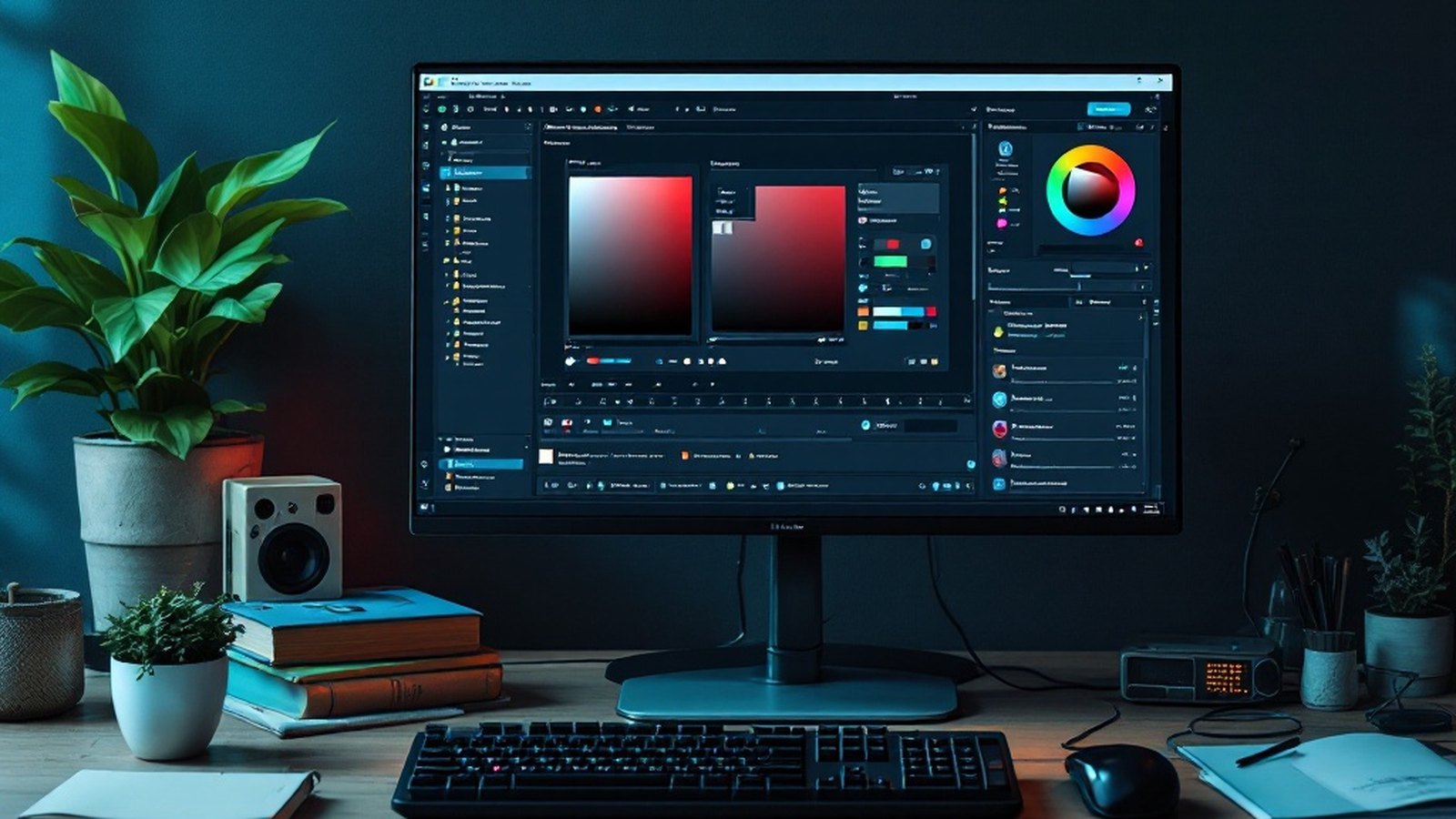
f.lux works on a simple premise: screens tuned for daylight are hard on eyes at night. After sunset, f.lux gradually warms your display's color temperature — shifting it away from the blue-heavy output that interferes with sleep and causes late-evening eye strain. The adjustment is automatic and smooth enough that most users stop noticing it's happening, which is exactly the point. You can fine-tune the color temperature manually or set a schedule that matches your local sunrise and sunset. Windows 10 and 11 include a built-in Night Light mode, but f.lux offers meaningfully more control for anyone who wants it.
TeamViewer earns its place through sheer usefulness in one recurring scenario: remote support. Whether you're troubleshooting a family member's PC three states away or letting a colleague view your screen to diagnose a problem, TeamViewer makes remote desktop3 access straightforward — no port forwarding, no networking expertise, no IT department required. The free personal-use tier covers the vast majority of home users' needs. Alternatives exist, but TeamViewer's combination of reliability, cross-platform reach, and zero-configuration setup remains the benchmark the others are measured against.
Sumatra PDF is the antidote to bloated document readers. Adobe's reader carries decades of feature accumulation; Sumatra carries almost nothing — and launches in a fraction of the time. Despite its minimal footprint, it handles far more than PDFs: ePub, Mobi, DjVu, Comic Book archive formats, and CHM help files all open cleanly in the same spare interface. For anyone who reads documents rather than annotates them professionally, Sumatra eliminates the performance penalty of heavier readers without sacrificing format coverage.
Classic Shell addresses the Start Menu, which has been a point of contention since Windows 8 removed the traditional version in 2012. Classic Shell restores the Windows 7 or Windows XP Start Menu feel, with added options to remap keystrokes, customize the search bar behavior, and choose a custom Start button image. It's a tool born from a specific frustration, and it resolves that frustration completely. Note that Classic Shell itself reached end-of-life2 and was succeeded by the community fork Open-Shell, which continues active development — if you're on Windows 10 or 11, Open-Shell is the version to install.
- 2012Windows 8 ships without a traditional Start Menu; Classic Shell is born of the frustration.
- LaterClassic Shell reaches end-of-life; the community fork Open-Shell carries it on.
- TodayOn Windows 10 or 11, Open-Shell is the version to install.
Why Bother?
Because defaults are designed for the median user, not for you specifically. Franz consolidates messaging; ShareX elevates screen capture to a professional tool; f.lux makes late-night computing less punishing; TeamViewer eliminates the headache of remote support; Sumatra opens documents instantly without ceremony; and Classic Shell — or its successor, Open-Shell — gives you back a Start Menu that works the way you think it should.
None of these require a subscription. None will nag you to upgrade. Install them once, configure them for five minutes, and they recede into the background doing exactly what utility software is supposed to do: making everything else a little easier.
Defaults are designed for the median user, not for you specifically.