What FNA Was
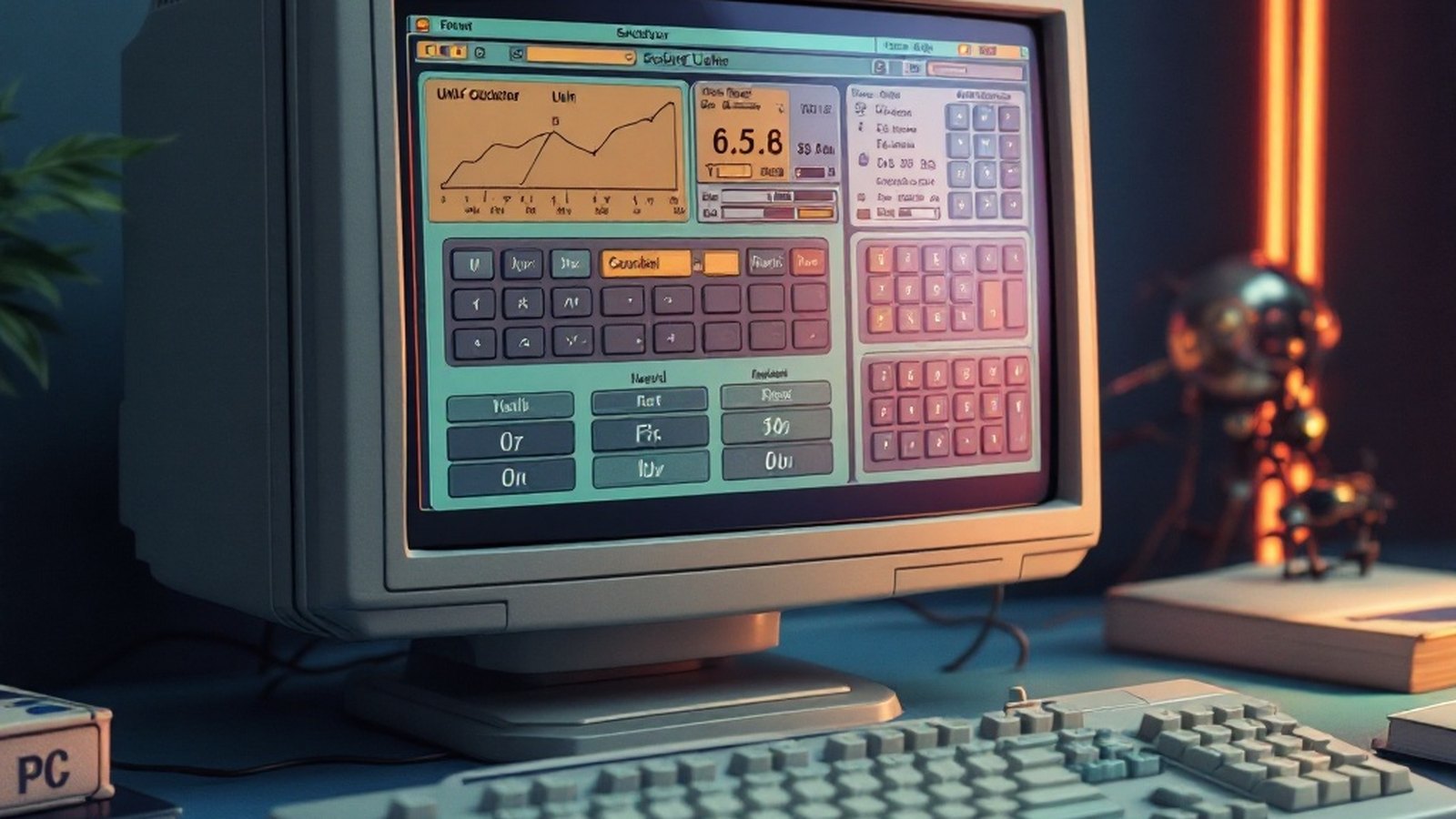
Most people who stumbled across FNA filed it under "calculator" and moved on. That was a mistake. RJ Software built FNA as a four-mode scientific utility — statistics, Base-n arithmetic1, trigonometry, and unit conversion — aimed squarely at students and working professionals who needed reliable computation without cracking open a browser tab. The interface was modest by design, but the depth behind it was anything but.
The headline numbers: four distinct app modes, 26 memory registers2, and a built-in periodic table covering all 118 elements. That last feature alone separated FNA from the crowd of generic Windows calculators that never thought to ask what an atomic weight was.
The Features Worth Knowing About
Unit conversion that goes further than you expect. FNA's conversion engine covered acceleration, area, angle, energy, density, fuel efficiency, force, length, pressure, and temperature — a sweep of physical science units that made it genuinely useful for engineering students and lab work alike. Everything ran offline, no connectivity required, and conversions updated automatically as you typed. No confirmation step, no button to press — the result just changed, which sounds minor until you've spent time with converters that make you click through every calculation.
Base-n arithmetic with real mathematical muscle. The Base-n mode wasn't just a binary-to-hex flicker; it handled gamma functions, factorials, permutations, combinations, logarithms, logic operations, and trigonometric functions in the same workspace. That combination — number-base flexibility plus higher math — made it a practical tool for anyone working through computer science coursework or signal-processing problems where decimal intuition breaks down.
26 memory registers. That number sounds dry until you're midway through a complex unit derivation and don't want to re-enter six intermediate values. FNA let you save and recall across sessions, so a value parked before lunch was still there after it. Most lightweight calculators offer a single memory slot, maybe four. Twenty-six was a professional-grade decision.
Heat index, wind chill, and date arithmetic. These three built-in calculations sit in a different register from pure math tools, and they show where FNA's designers were actually paying attention. Heat index3 combines air temperature and relative humidity into a perceived-temperature figure — useful for anyone doing outdoor field work or HVAC calculations. Wind chill runs the equivalent calculation for cold-weather conditions. Days-between-dates is less glamorous but frequently needed, and having it built in saved the usual detour to a calendar app or a spreadsheet.
The periodic table. Look up atomic weights and element properties without leaving the application. Metric prefix4 conversion — kilo, mega, milli, and the rest — was reachable via a clean drop-down rather than buried in a submenu. For a chemistry student working through stoichiometry problems, this kind of integration was genuinely time-saving.
Modern Alternatives Worth Your Time
FNA is no longer maintained, and its Windows environment assumptions are decades old. If you need what it offered, these are the honest replacements:
Qonverter handles unit conversion, currency conversion, and calculation in a single free Windows application with a sidebar-driven interface. It's actively maintained and costs nothing.
ESBUnitConv covers temperature, distance, area, pressure, velocity, radioactivity, and force in its free version; a paid Pro tier extends the calculator features and adds priority support. It's been around long enough to trust.
Converber takes coverage seriously — 2,072 units across 53 categories, with a built-in equation editor for defining custom derived units. For engineering work requiring non-standard combinations, that editor earns its place.
Quad-Lock Unit Converter is free for Windows, offers more than 1,000 units including engineering-specific categories, and includes a smart expression evaluator alongside quick search. If FNA's "type and it updates" conversion was what you loved, Quad-Lock's expression evaluator scratches a similar itch.
| Successor | Coverage | Cost |
|---|---|---|
| Qonverter | Units, currency and calculation in one sidebar-driven app | Free |
| ESBUnitConv | Temperature, distance, area, pressure, velocity, radioactivity, force | Free; paid Pro tier |
| Converber | 2,072 units across 53 categories, custom-unit equation editor | Free |
| Quad-Lock Unit Converter | 1,000+ units incl. engineering categories, expression evaluator | Free |
None of these are FNA. None of them have the periodic table, the 26-register memory system, and the heat index in one package. That combination — compact, offline, surprisingly broad — was what made FNA worth writing about. It did more than it advertised, which puts it in rarer company than most utilities from its era.
It did more than it advertised.
- Base-n arithmetic — Calculations in number bases other than decimal, e.g. binary, hexadecimal. ↩ back
- memory registers — Named storage slots that retain numeric values between sessions. ↩ back
- Heat index — Apparent temperature combining air temperature and relative humidity. ↩ back
- metric prefix — Standardized multiplier prefixes (kilo, mega, milli, etc.) for SI units. ↩ back