What QuadRate Actually Did
QuadRate was RJ Software's answer to a persistent problem: Windows maintenance scattered across a dozen different system menus, control panels, and obscure command-line tools. Rather than replacing all of them, the app organized the most useful tasks into four focused tabs and put them a single click apart. That was the pitch — and for routine upkeep, it worked.
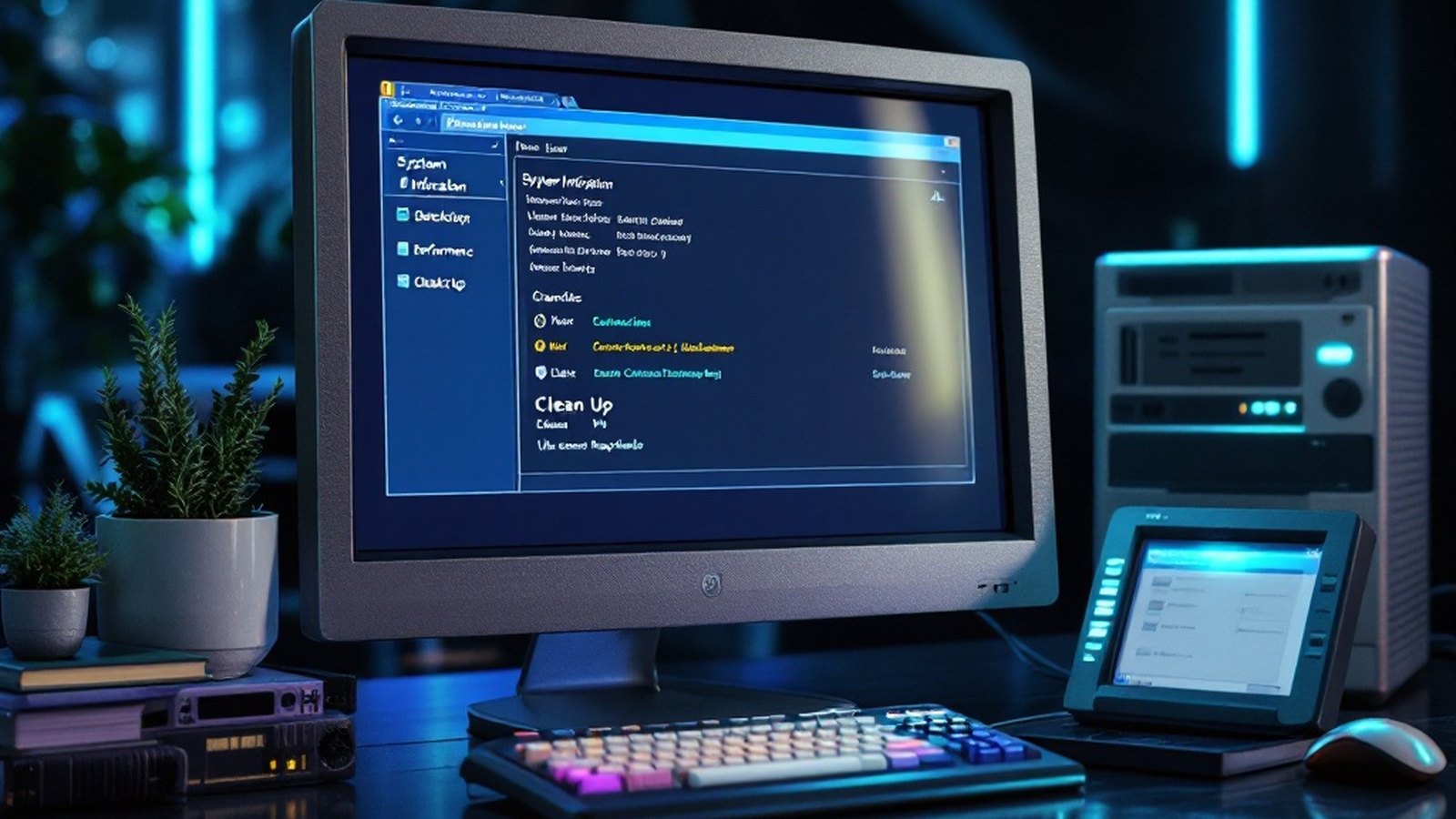
The System Information tab was often the first stop. One click surfaced CPU details, BIOS data3, installed memory, OS version, and user info — exactly the snapshot you'd want before calling tech support or troubleshooting a driver conflict. No digging, no command prompts.
The Desktop tab handled appearance and menu adjustments that Microsoft buried deep in control panels. Nothing revolutionary, but genuinely faster than the official route for users who tweaked those settings regularly.
The Performance tab was where QuadRate earned its keep. Memory optimization, startup tuning2, and shutdown behavior — the kinds of controls that meaningfully affect how a system feels day to day — sat alongside quick links to built-in Microsoft diagnostic tools. Startup tuning in particular was useful in an era when software installers aggressively added themselves to the boot sequence; trimming that list made a measurable difference on modest hardware.
The Clean Up tab did what it said: removed temporary internet files, redundant backups, and stale registry entries1. Temporary internet files could accumulate quietly into gigabytes; old registry entries from uninstalled programs created unnecessary surface area. QuadRate cleared both without ceremony. It wasn't trying to be CCleaner — it was trying to be useful, and in that narrower ambition it mostly succeeded.
One small but smart feature: a browser-based demo that let prospective users test the interface without committing to a download or installation. For a utility aimed at less technically confident users, lowering that barrier mattered.
The Compatibility Argument
QuadRate ran on Windows 98 through Windows 10 — a span that covers the better part of two decades of Microsoft operating systems, from the FAT32 era through ACPI4-era power management, through Aero and beyond. Maintaining that compatibility range without breaking anything is harder than it sounds. Each major Windows release changed how the registry worked, how startup programs registered themselves, and how system information was exposed to third-party apps. QuadRate kept pace.
- Windows 98 eraQuadRate's earliest supported OS — FAT32 and the early registry structure.
- Windows 7 eraAero interface; startup tuning at peak relevance.
- Windows 10Latest supported version — the upper limit of QuadRate's compatibility.
- Windows 11Diverging codebase; QuadRate was never updated to match.
That longevity also means it's still functional on older machines. If you're running a Windows 7 or Windows 10 system and QuadRate is already installed, uninstalling it to replace it with something shinier may not actually improve your workflow. The four-tab structure covers the basics cleanly; the learning curve is essentially zero.
Where It Falls Short — and What Replaces It
Honesty requires acknowledging the ceiling. QuadRate was a focused utility, not a comprehensive system-enhancement suite. It didn't offer deep disk analysis, duplicate-file detection, driver updates, or the kind of scheduled automated maintenance that tools like AVG PC TuneUp or Iolo's System Mechanic built their reputations on. Its registry cleaning was serviceable but not surgical. And as a product from a now-defunct developer, it receives no further updates — which matters increasingly as Windows 11 diverges from the codebase assumptions QuadRate was built around.
For users who want more horsepower, CCleaner remains the obvious first stop: broader cleaning scope, active development, and a free tier that covers most casual use cases. AVG PC TuneUp goes further into performance tuning and scheduled maintenance, though it carries a subscription. IObit Advanced SystemCare occupies similar territory. None of them are as simple as QuadRate, and simplicity is not a trivial thing.
The Verdict
If you uninstalled QuadRate because it felt old, that's understandable — RJ Software is gone and the tool won't get another patch. But if it's still on your machine and doing its job, the case for removing it is weaker than it might appear. A four-tab interface that reliably shows system information, handles startup tuning, clears temporary files, and asks nothing of you beyond a click is worth something. Not everything needs to be replaced just because something newer exists.
Not everything needs to be replaced just because something newer exists.
For the genuine upgraders: CCleaner, AVG PC TuneUp, or IObit will serve you well. For everyone else — it was a good tool. Maybe still is.
- registry entries — Database entries storing Windows OS and application configuration settings. ↩ back
- startup tuning — Controlling which programs automatically launch when Windows boots. ↩ back
- BIOS data — Firmware information about motherboard and hardware initialization settings. ↩ back
- ACPI — Standard for OS-controlled hardware power management. ↩ back